Superwhisper alternative
A free Superwhisper alternative that runs on your Mac
Purr and Superwhisper both let you hold a key, talk, and have your words typed into whatever app you’re using, with the speech model running on your Mac. The difference is what’s free. Superwhisper’s free plan covers dictation with local Whisper models, and its Parakeet models, live typing and meeting notes are part of Pro [1]. In Purr all of that is free, with no account and no paid plan, and the code is open source.
What’s different?
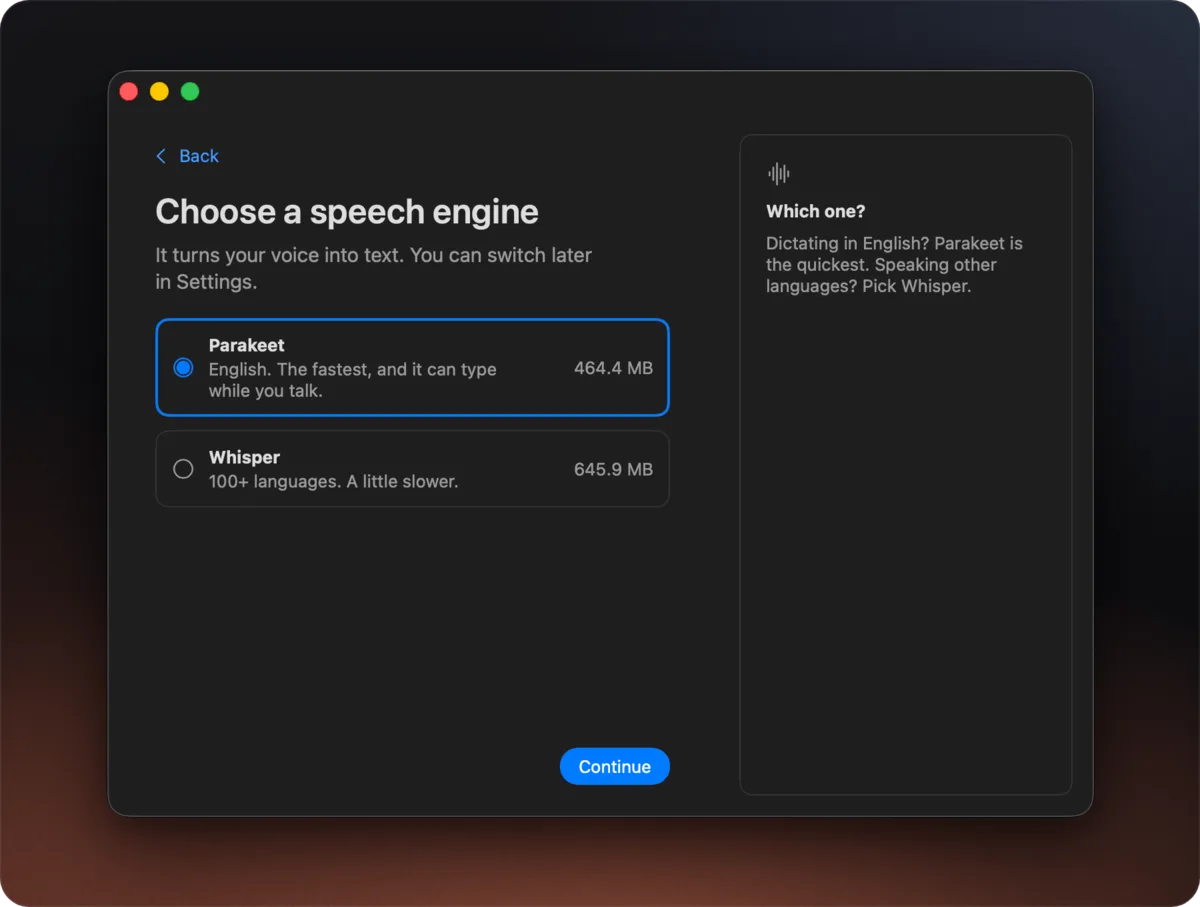
- Speech models. Purr uses NVIDIA’s Parakeet by default, or Whisper for about 100 languages. Superwhisper’s free plan runs local Whisper models, and Pro adds Parakeet, Cohere Transcribe and cloud models [1].
- Text as you talk. With Smart Typing on, Purr types while you’re still speaking. Superwhisper’s realtime transcription is a Pro feature [1].
- Meetings. Purr records your mic and your Mac’s audio, labels the speakers and can write a summary, for free. In Superwhisper, system audio recording, speaker separation and Meetings are Pro features [1].
- AI. Superwhisper Pro can run your dictation through AI modes [1]. Purr drops “um” and “uh” but otherwise types what you said, and only rewrites text when you ask, with Voice Edit.
- Price. Purr is free. Superwhisper is free with the limits above, and Pro is $8.49 a month, $84.99 a year or $249.99 once [1].
- Source code. Purr is MIT-licensed and on GitHub. Superwhisper’s code isn’t public.
How do they compare on speed and accuracy?
I played the same recordings into both apps as their microphone. Superwhisper was on its free plan with a local Whisper model, since its Parakeet models need Pro. Lower is better for latency and word error rate (WER), and higher for names spelled right.
| Purr | Superwhisper | |
|---|---|---|
| Latency (key release to text) | 0.22 s | 1.30 s |
| WER, everyday speech | 3.8% | 9.0% |
| WER, hard audio (noise, accents, quiet speech) | 4.0% | 10.0% |
| WER, in non-English languages | 7.1% | 12.1% |
| Names and jargon spelled right | 72.6% | 51.6% |
On these recordings Purr was faster and made fewer errors. Superwhisper Pro’s cloud and Parakeet models weren’t part of the test. The full comparison adds Wispr Flow and VoiceInk.
When is Superwhisper the better choice?
If you need Windows, an iPhone or Android, Superwhisper runs on all of them, and one Pro license covers every device [1]. Purr only runs on Apple silicon Macs. Superwhisper Pro also transcribes audio and video files, offers cloud models and lets you build your own AI modes [1]. Purr can’t transcribe a file, and it won’t reshape your dictation unless you ask Voice Edit to.
How do I switch from Superwhisper to Purr?
- Download Purr and open it. Setup downloads a speech model (Parakeet is about 450 MB) and asks for Microphone and Accessibility.
- Click into any text field, hold Right Option, speak and let go. If Superwhisper is still installed, give each app its own key.
- Copy your vocabulary and text replacements into Settings › Vocabulary.
- To record calls, turn on Meetings in Settings › Meetings, then tap ⌃⌥ M to start and stop.
Common questions
Is Superwhisper free?
Partly. The free plan gives unlimited dictation with local Whisper models, custom vocabulary, text replacements and up to two modes without AI. New users also get 3,000 words of Pro features to try [1].
Does Superwhisper work offline?
Yes, with its local models. Superwhisper says nothing you dictate on the free plan leaves your device [1]. Purr works offline too, once its model has downloaded.
Is Purr really free?
Yes. There’s no paid plan, no trial, no word limit and no account. It’s MIT-licensed, so anyone can read or change the code.
Which Macs does Purr run on?
Apple silicon Macs, so M1 or newer, with macOS 14 (Sonoma) or later.
Related
- The best free dictation apps for Mac
- Purr vs Wispr Flow, Superwhisper and VoiceInk
- A free Wispr Flow alternative that runs on your Mac
- A free MacWhisper alternative for dictation and meetings
- Dictation that works offline on your Mac
- Meeting notes that stay on your Mac
Sources
Spotted something out of date? Tell me and I will fix it.